
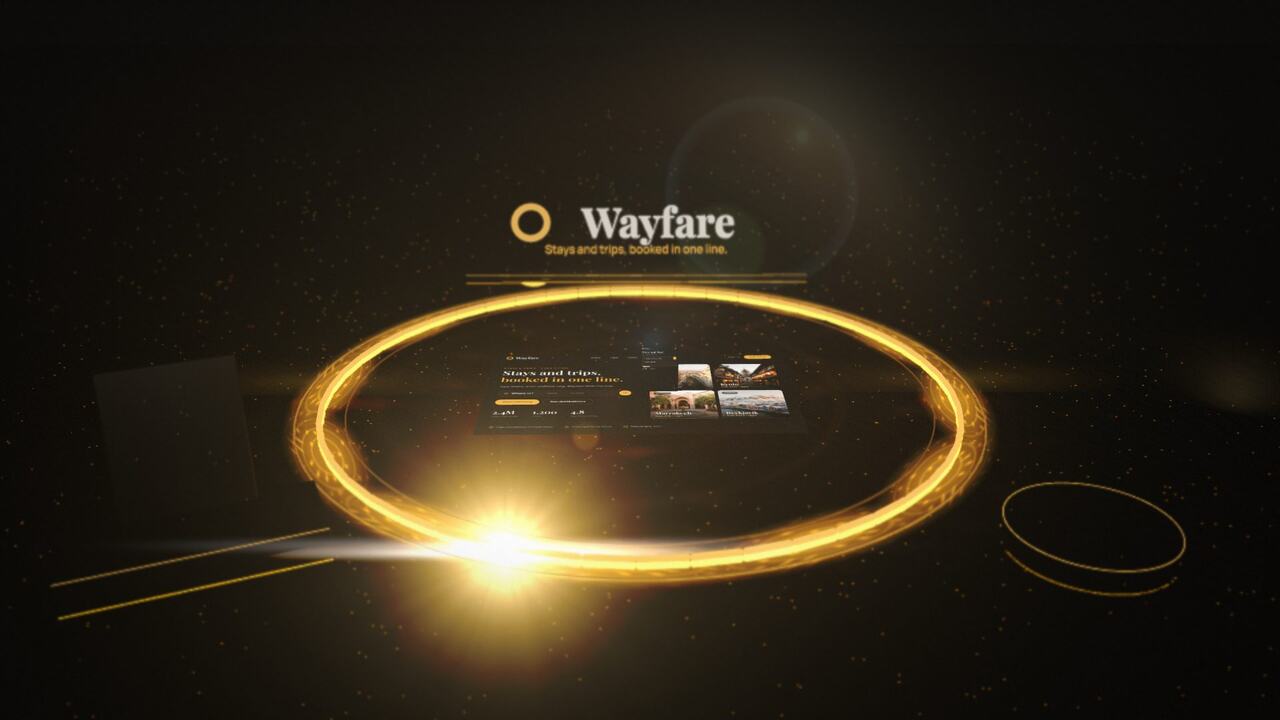
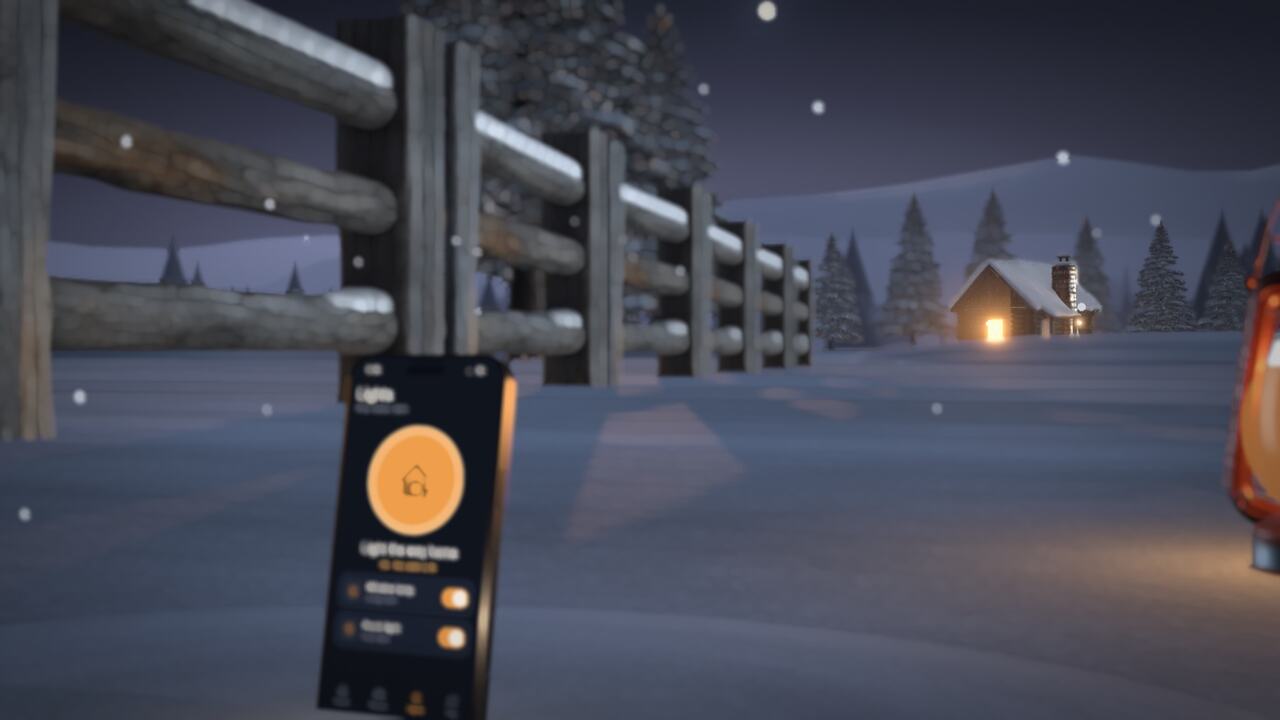
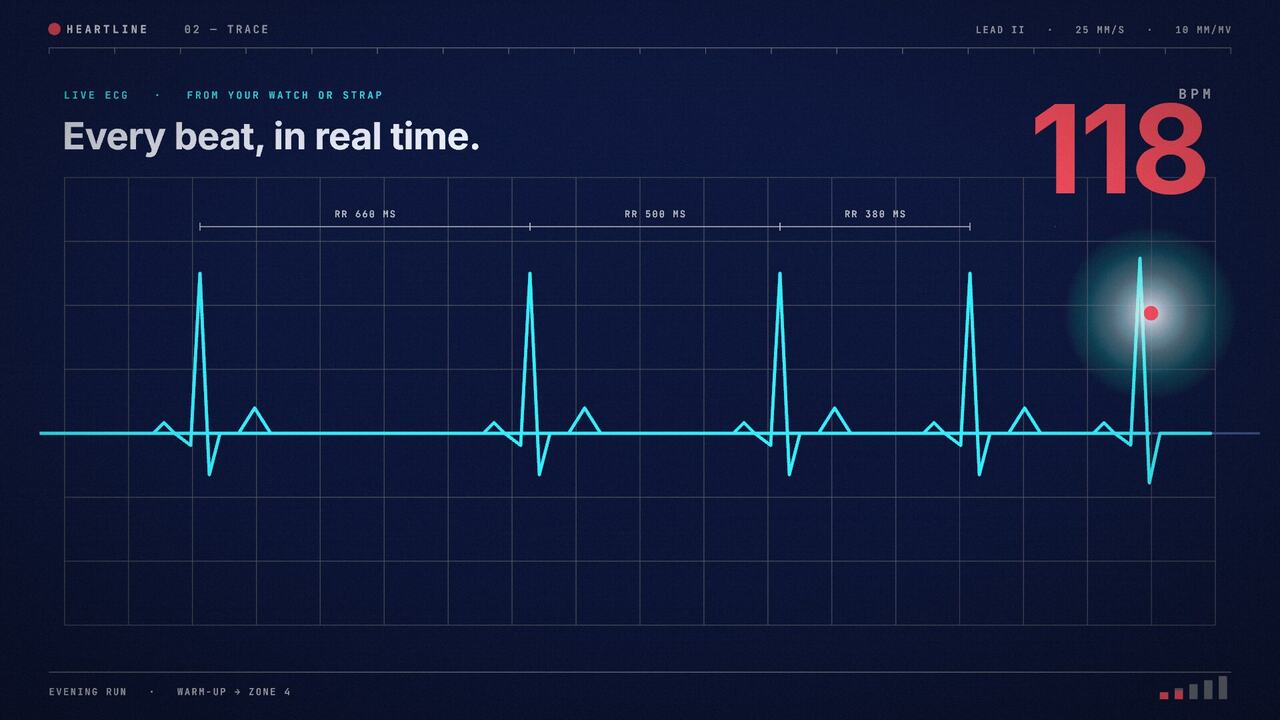
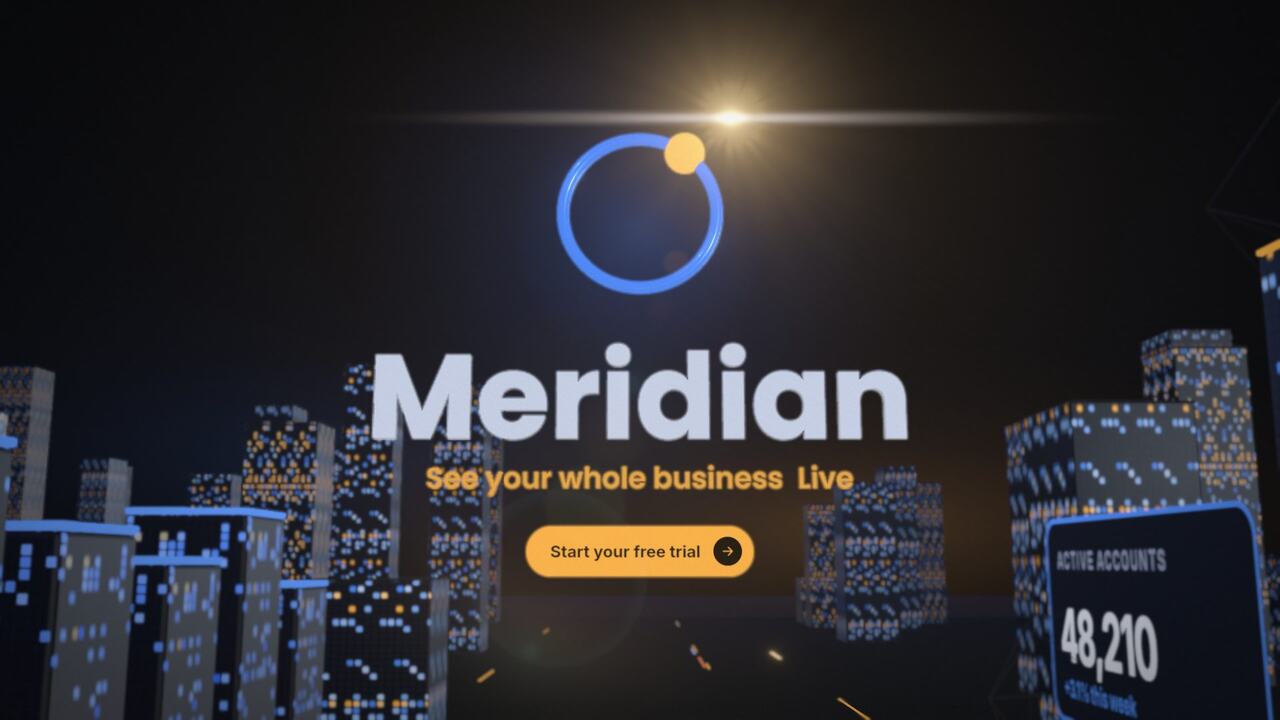
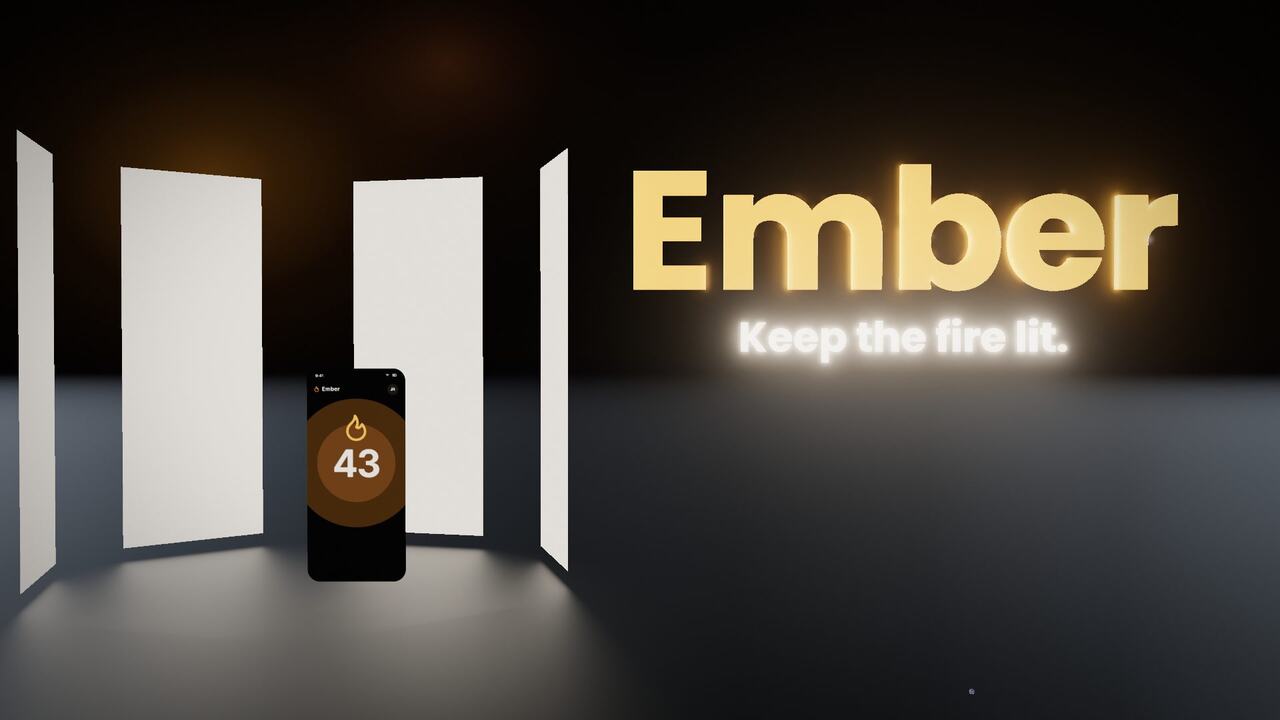
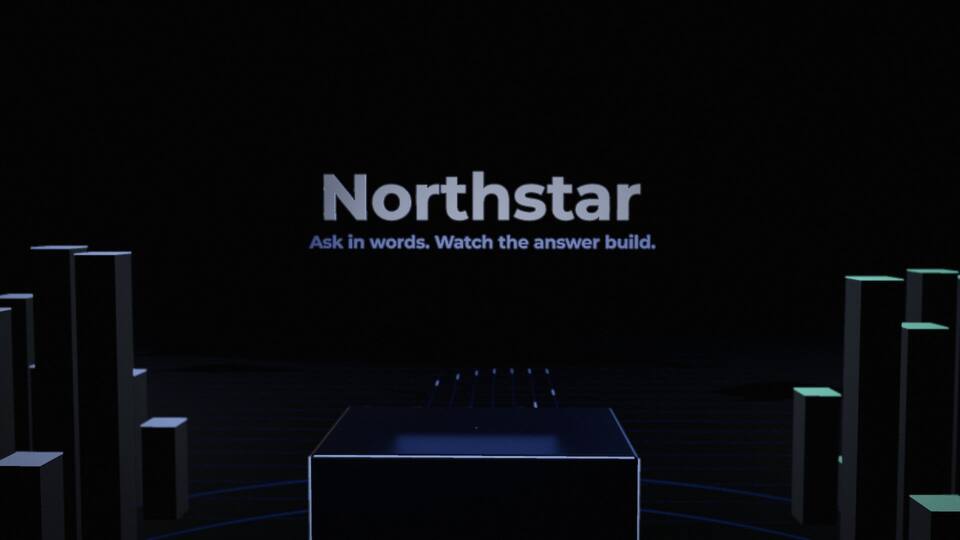
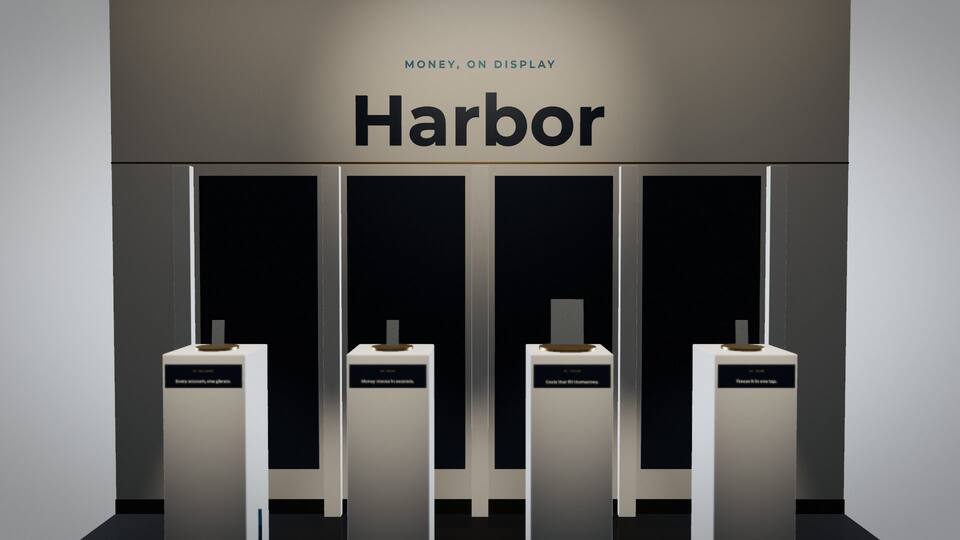
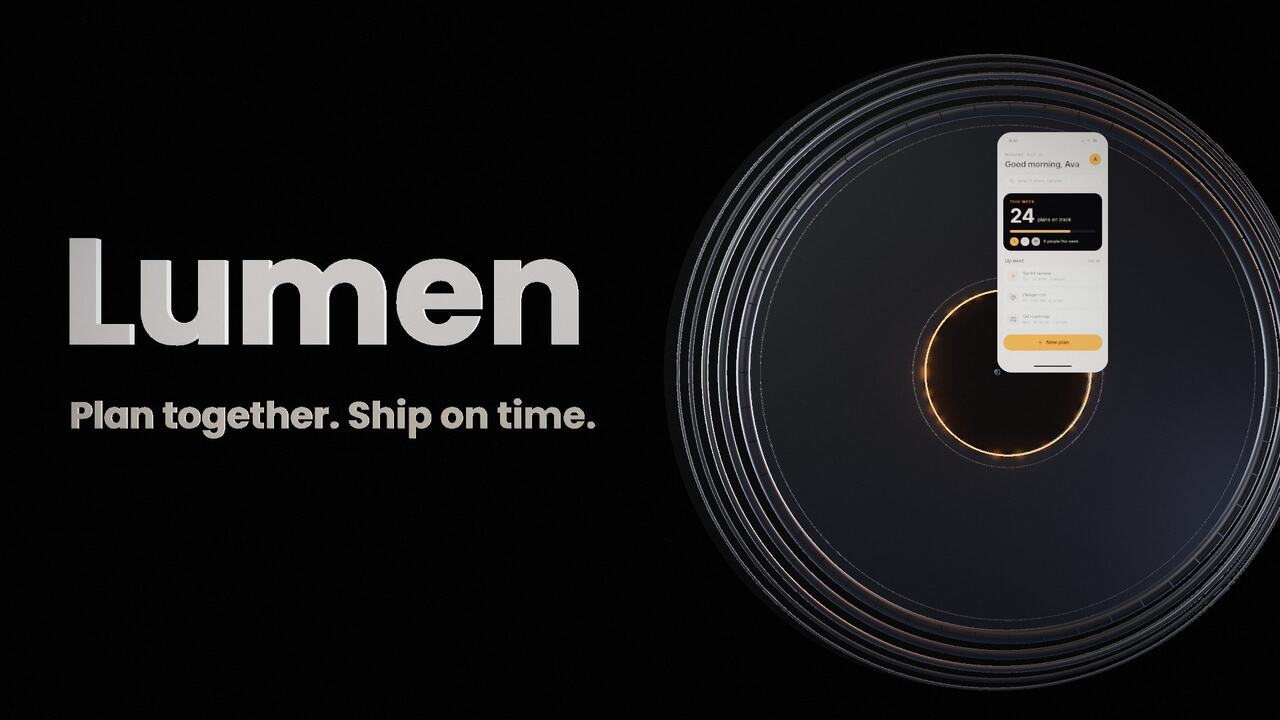
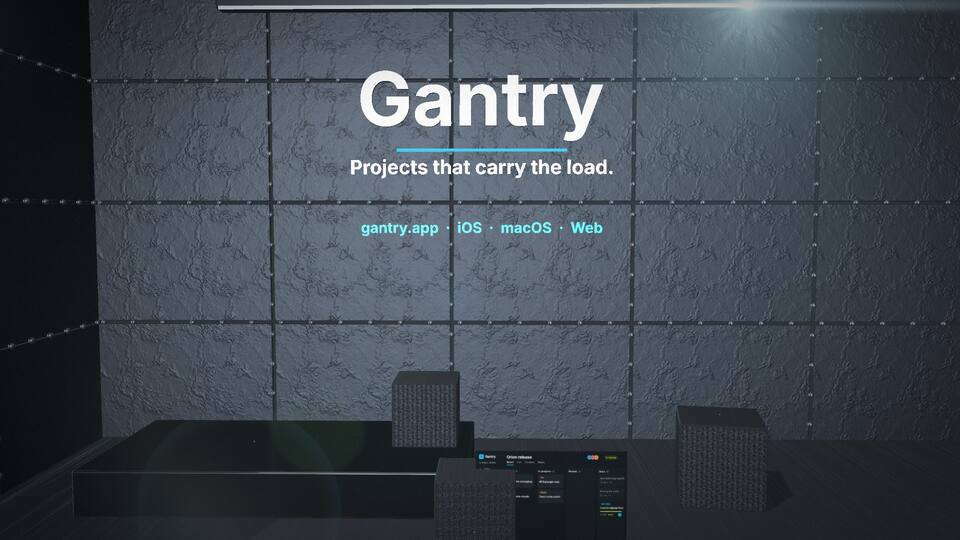
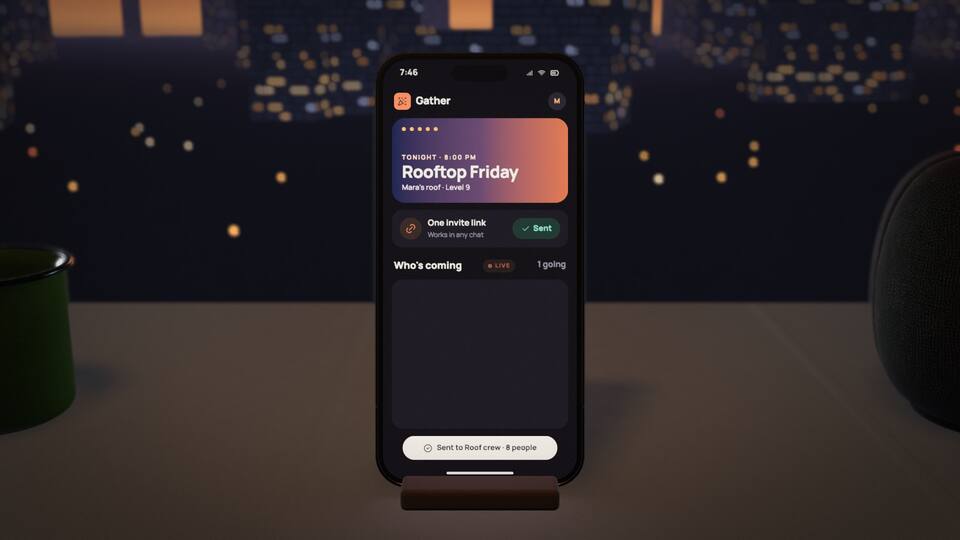
Launch video
You're shipping and you want something to show on the day.
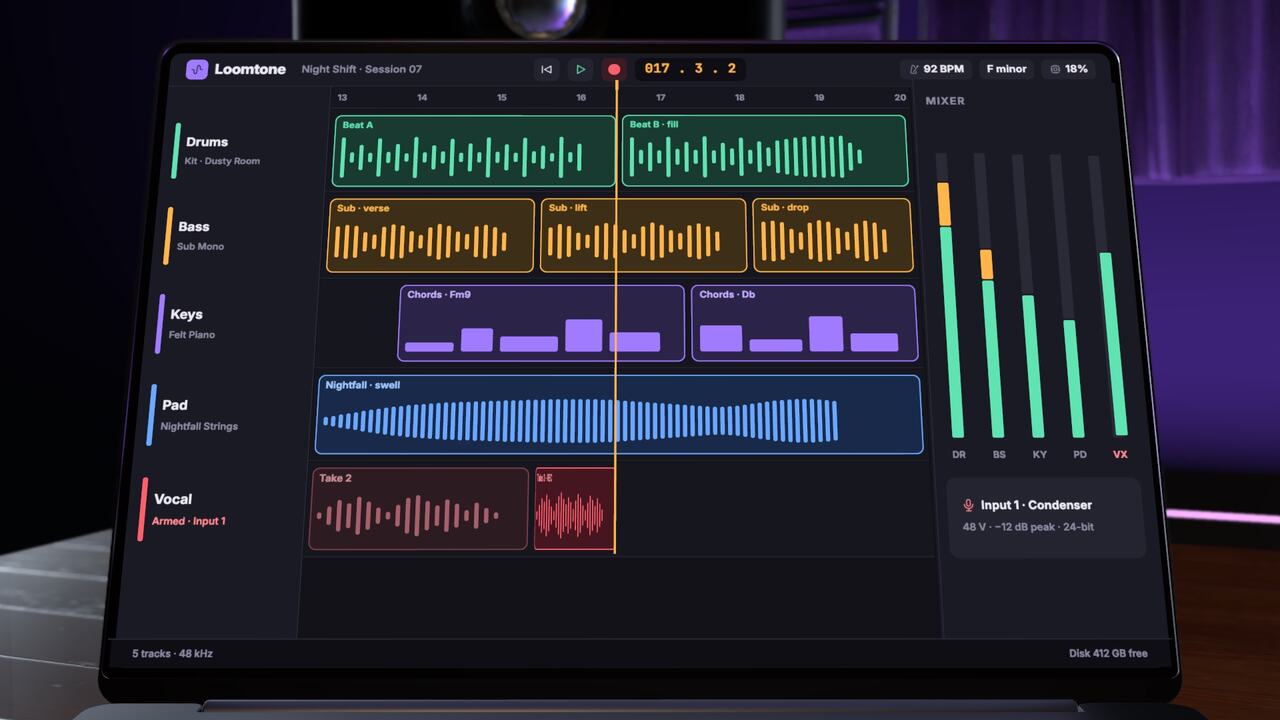
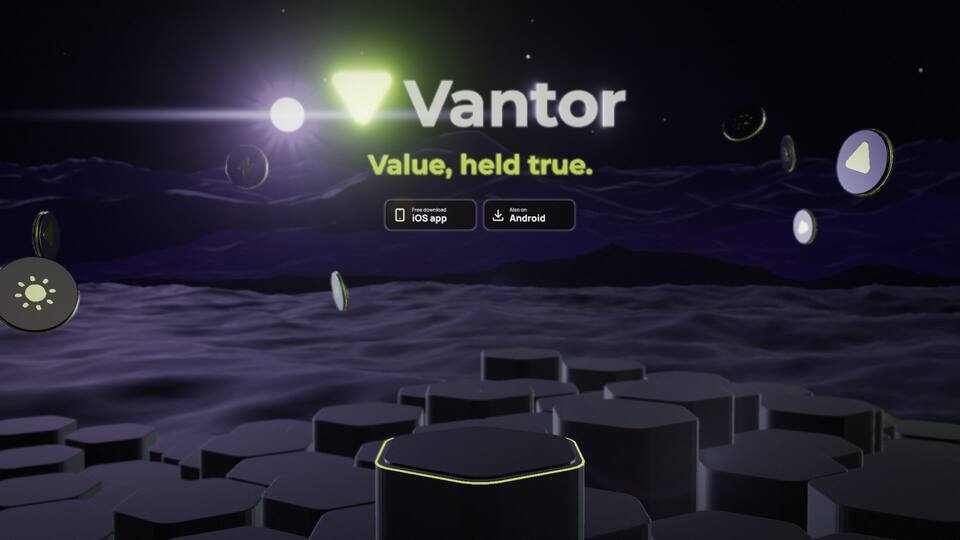
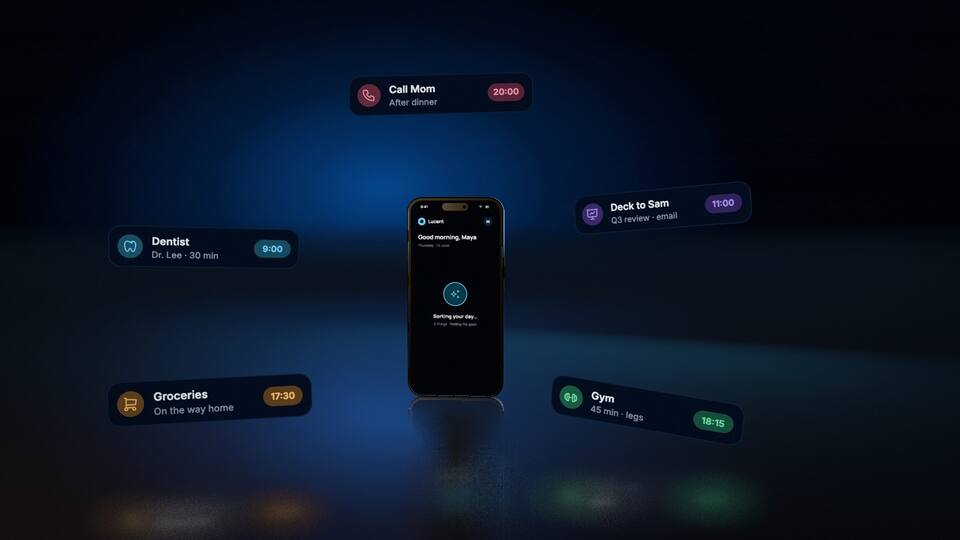
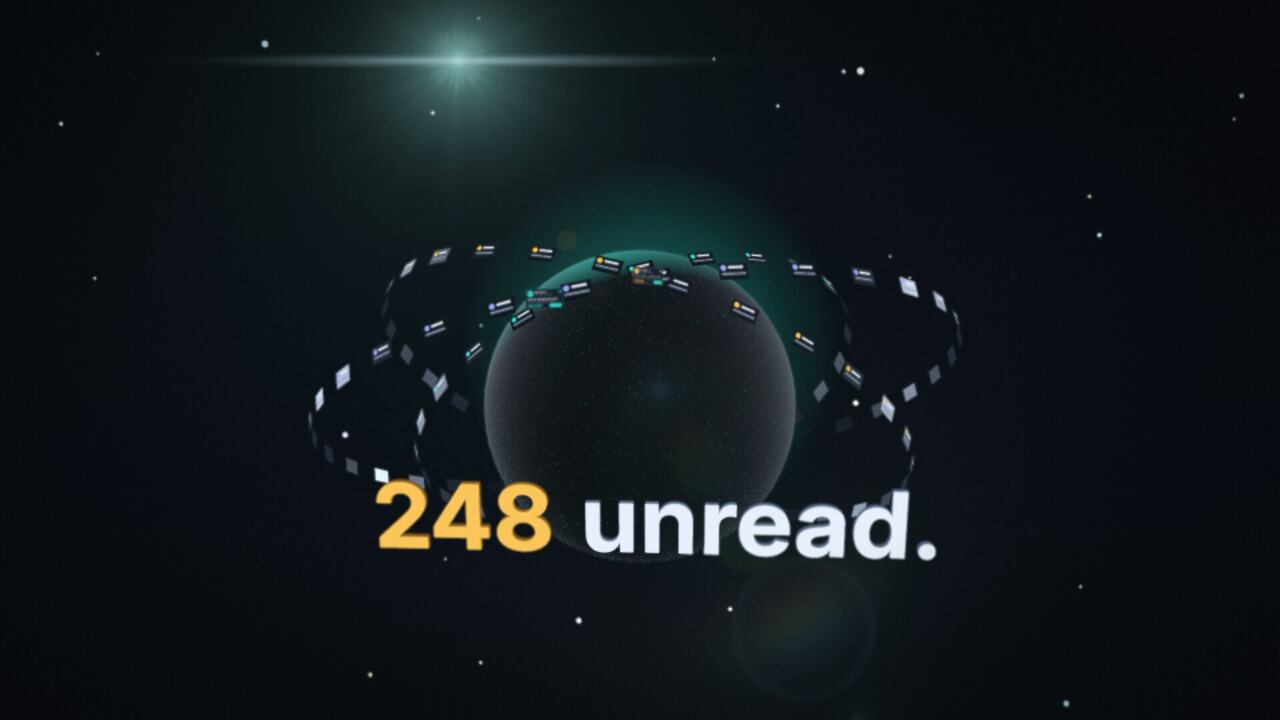
Promoeyes makes 3D promo videos for your app. One film, and both of you can work on it.
In Claude or ChatGPT
Opus and Fable make a stronger film. Add this address once, then just ask.
https://promoais.com/mcpYou sign in only when you generate.
Who it's for
You're shipping and you want something to show on the day.
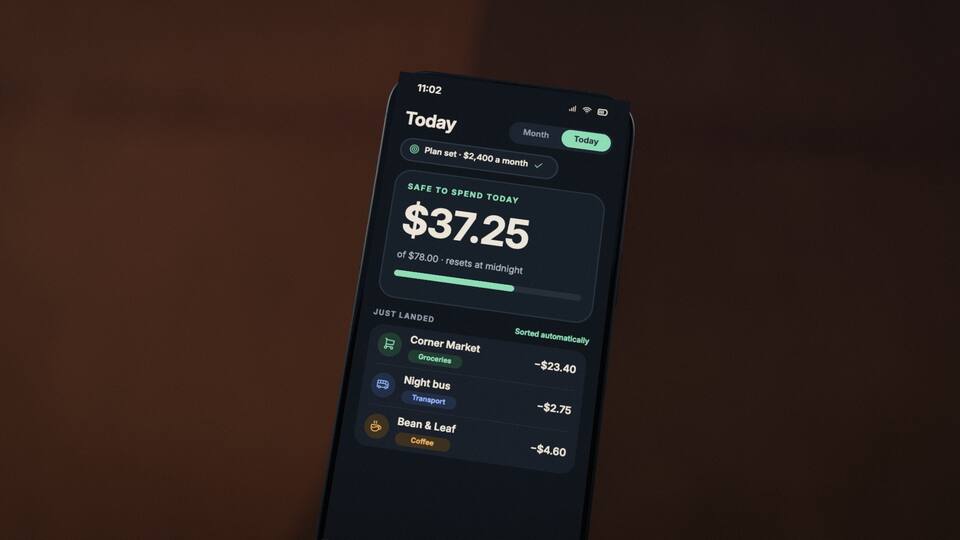
Tall, to the point, and about the features that matter.
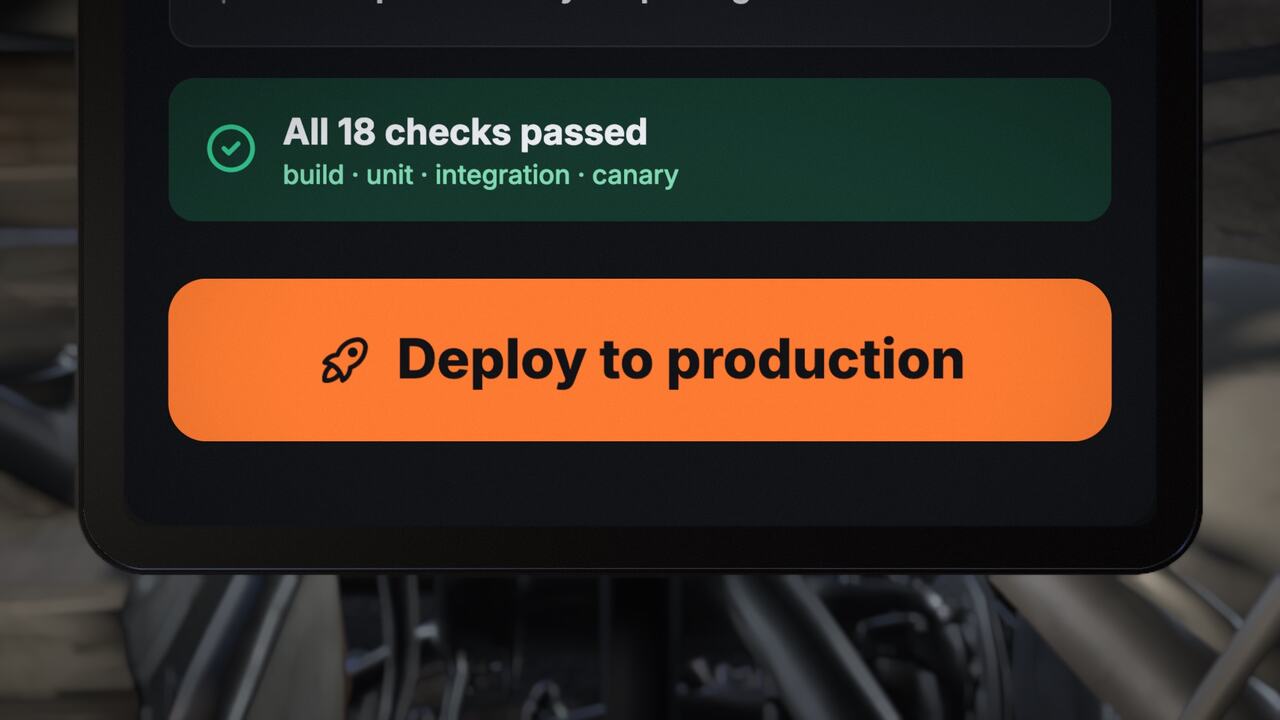
Show what's new in version 2.0, rather than listing it.
This is the whole editor, open on a real film. Nothing to install, and you don't have to sign in to try it. The Editor button on a film above opens it here.
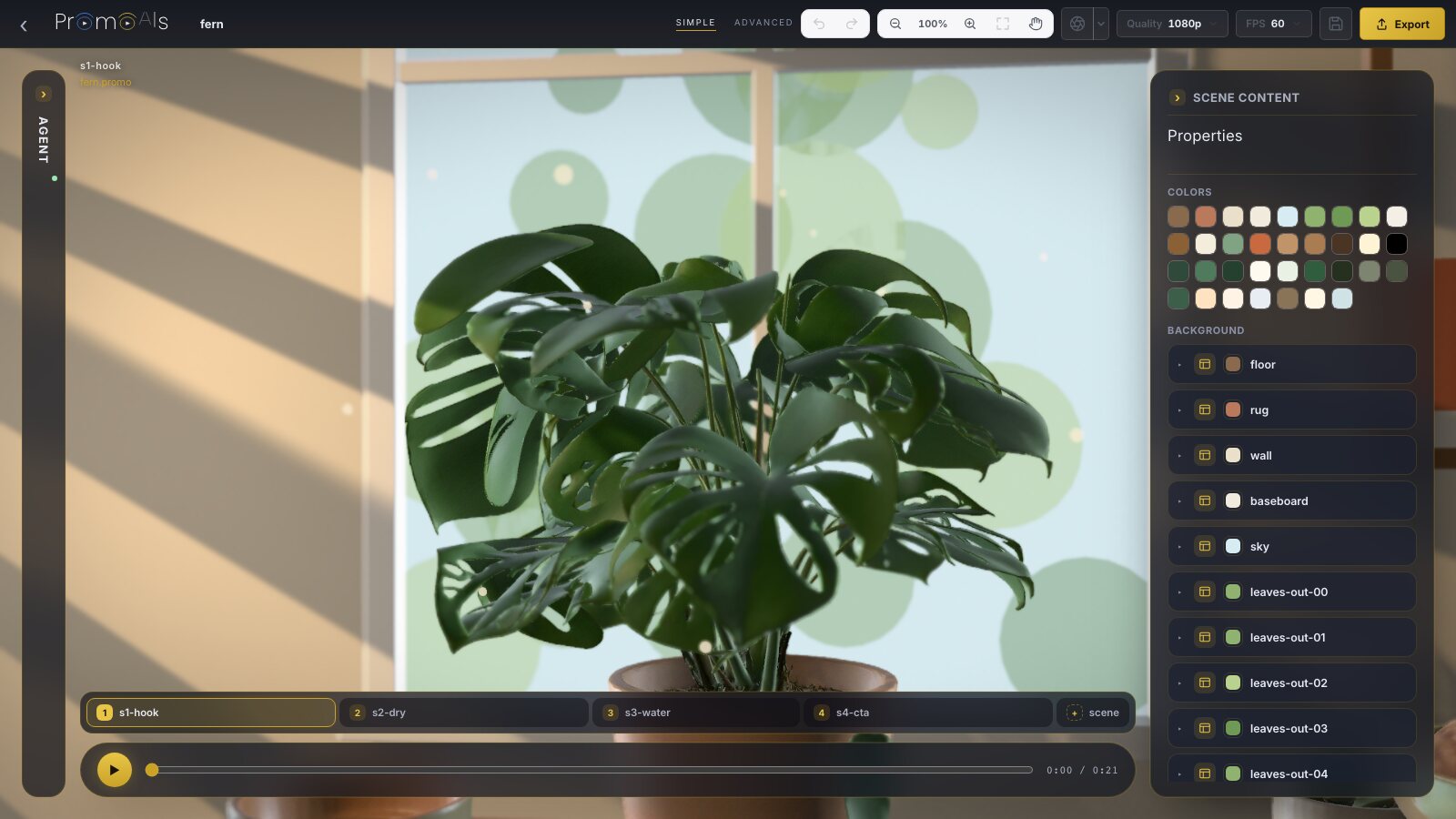
Loading the editor
Export and keeping your work ask you to sign in. Saving makes your own copy of the film.
AI edits come from your assistant, on the same promo: ask for a change there, and open it here.
What's in a film
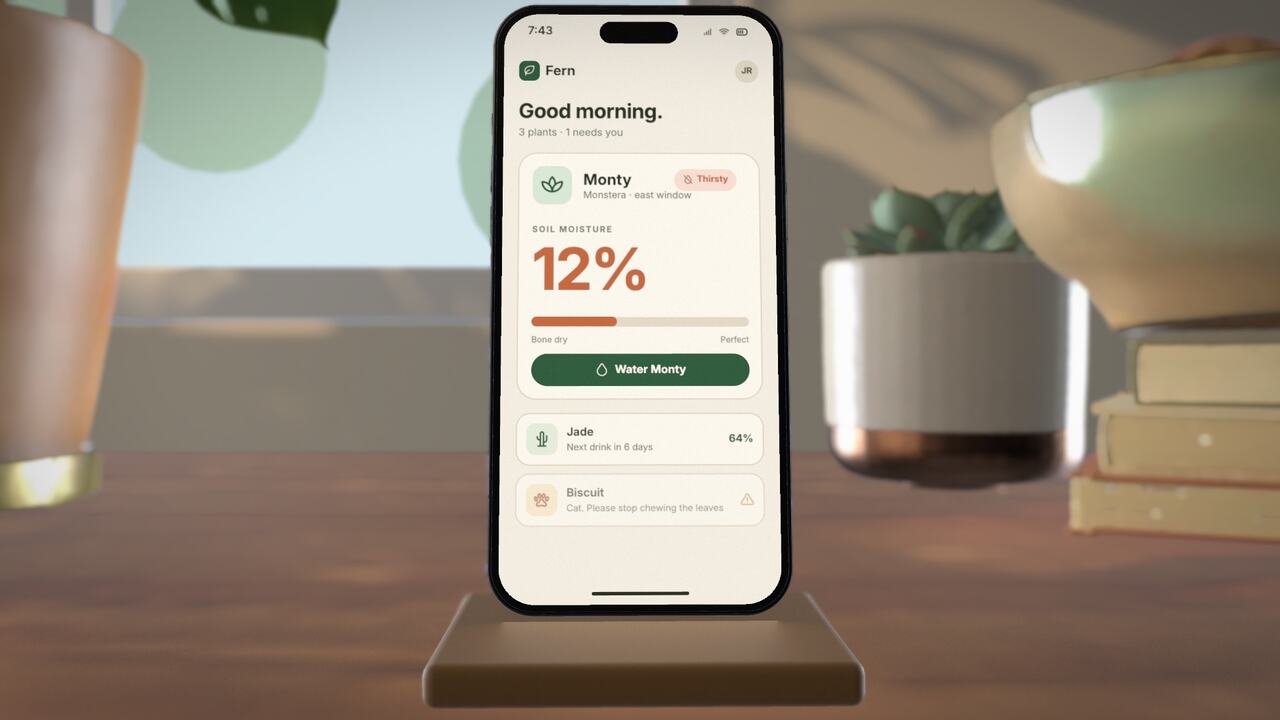
Your AI assistant
Add this address to your assistant and sign in with OAuth. There's no API key.
https://promoais.com/mcpFor developers: it's an MCP server over HTTP. Your assistant can call tools such as write_story, make_voiceover, make_music, edit_promo, show_studio and finish_promo.
Run this in your terminal, then sign in when it asks.
claude mcp add --transport http promoeyes https://promoais.com/mcp
Add this to .cursor/mcp.json.
{ "mcpServers": { "promoeyes": { "url": "https://promoais.com/mcp" } } }Open your assistant's connector settings, add a custom connector and paste the address above.
Open your assistant's connector settings, add a custom connector and paste the address above.
Any MCP client over HTTP can connect. Give it the address above and sign in with OAuth.
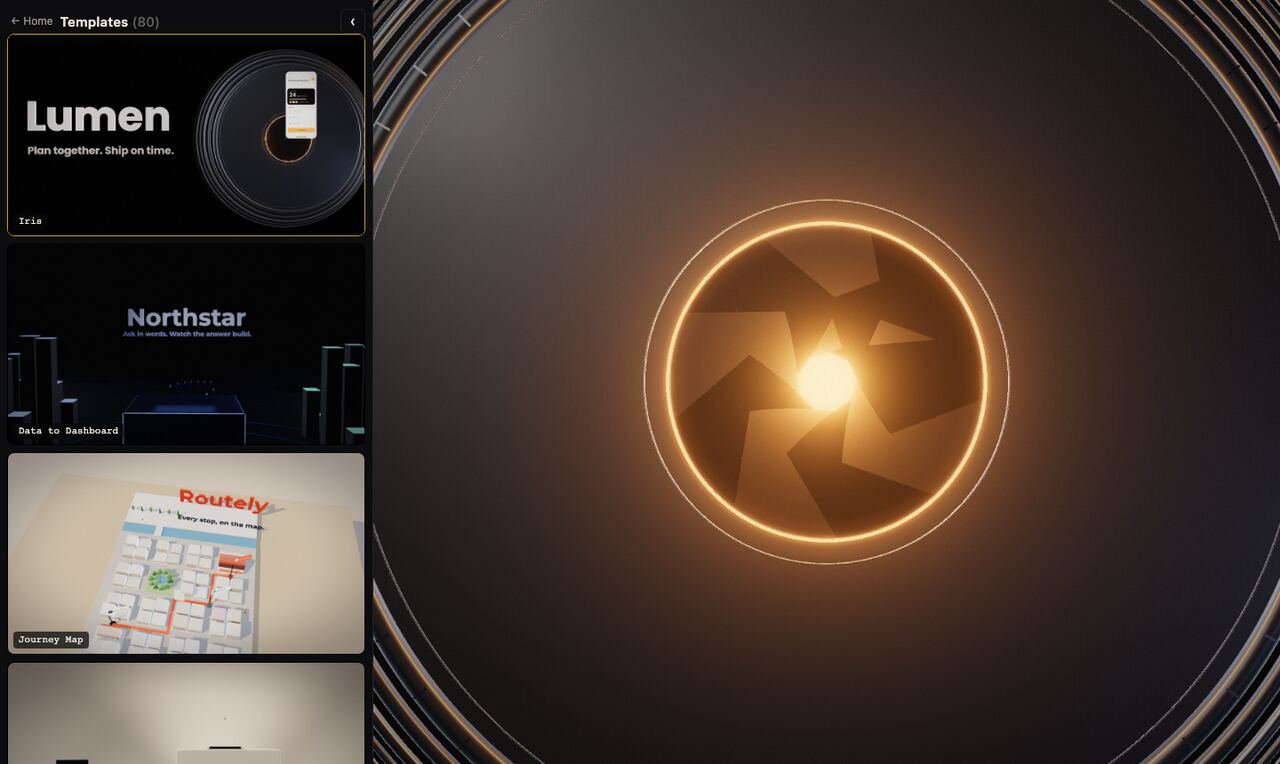
The films above are a selection. Each template is a finished film. You take its structure and make it about your app.
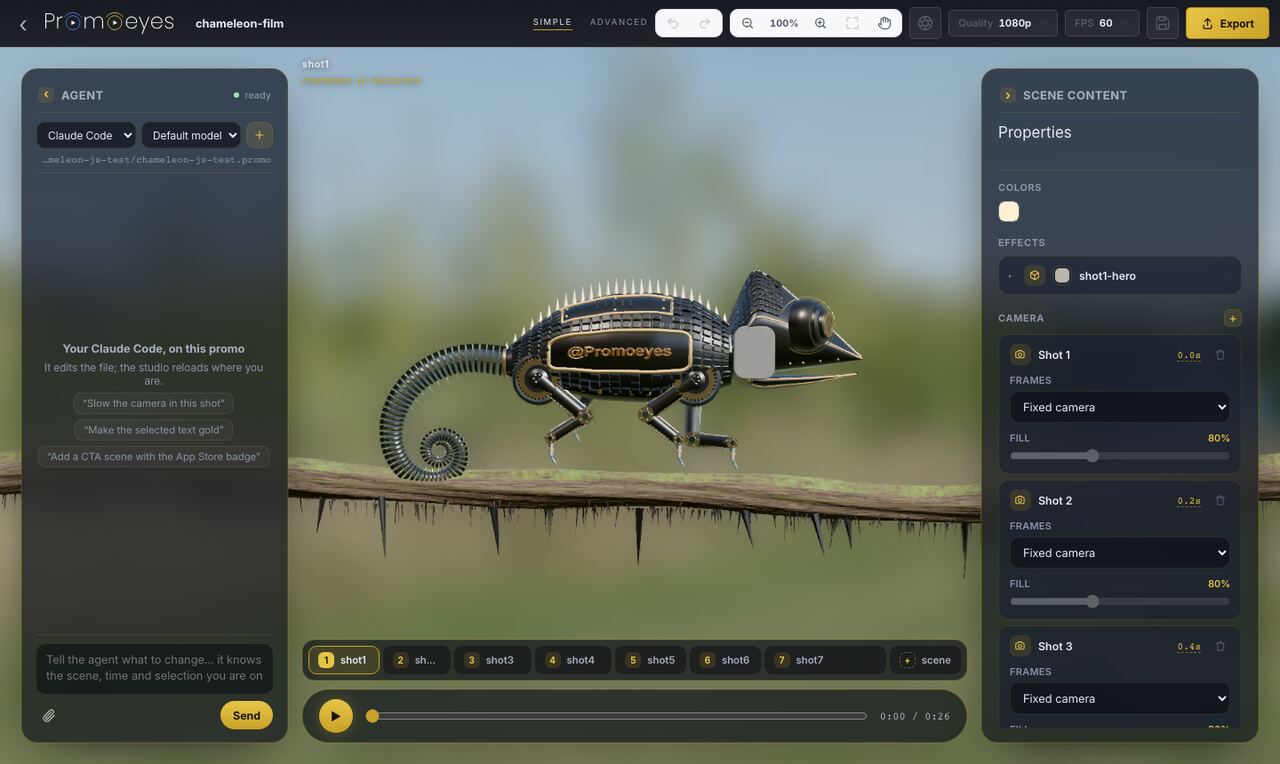
The Agent panel, on the left, drives the coding agent on your machine: Claude Code, and Codex when it's there.
Desktop app
It has Home, the studio and the Agent panel. Your exports go to an Exports folder.
Coming soon, get notified.
Pricing
Study the templates, and try the editor: play a film, select things and change them. Nothing to pay.
Generating a film asks you to sign in. There is no paid plan. An account can generate two films per UTC day, and that allowance resets at midnight UTC.
Questions
It's free while in beta, and there is no paid plan. Studying templates and trying the editor need no account. Generating a film needs one, and an account can generate two films per UTC day. The allowance resets at midnight UTC.
You can play the film, select things and change them. Those changes stay in memory. Export opens the sign-in window, and keeping your work means signing in and saving a copy.
Yes. The studio changes a promo by hand, and your assistant edits the same promo in words. It's one film, not two versions.
No. On the website, AI edits come from your assistant. In the desktop app, the Agent panel drives the coding agent on your machine.
Claude, ChatGPT, Cursor, Claude Code or any MCP client over HTTP. You sign in with OAuth, and there's no API key.
No. You describe your film, or give your website, first. Sign-in is asked when you generate.
You keep ownership of the material you submit. Subject to the terms, the promos generated for you are yours to use, including for your product. Fonts, music or models supplied with the service stay under their own licences.
A film from the website runs up to 60 seconds, and you watch it being made. We don't publish a fixed time for how long generation takes.
We keep the website address, text and media you submit so we can generate the film, and that content may be sent to the providers that produce it. Projects stay in your account while it is active. You can ask us to delete the account and its projects. The details are on the privacy page.
Your logo, colours and pages. A website or HTML can also become an editable 3D screen in the film.
Render it with the Export button on the player. In the desktop app, exports go to an Exports folder.
16:9 and 9:16. The website form's default length is up to 60 seconds.